Exporting prospecting lists
If you have the Dream Team Edition, you can forbid users to export information from your Account Settings
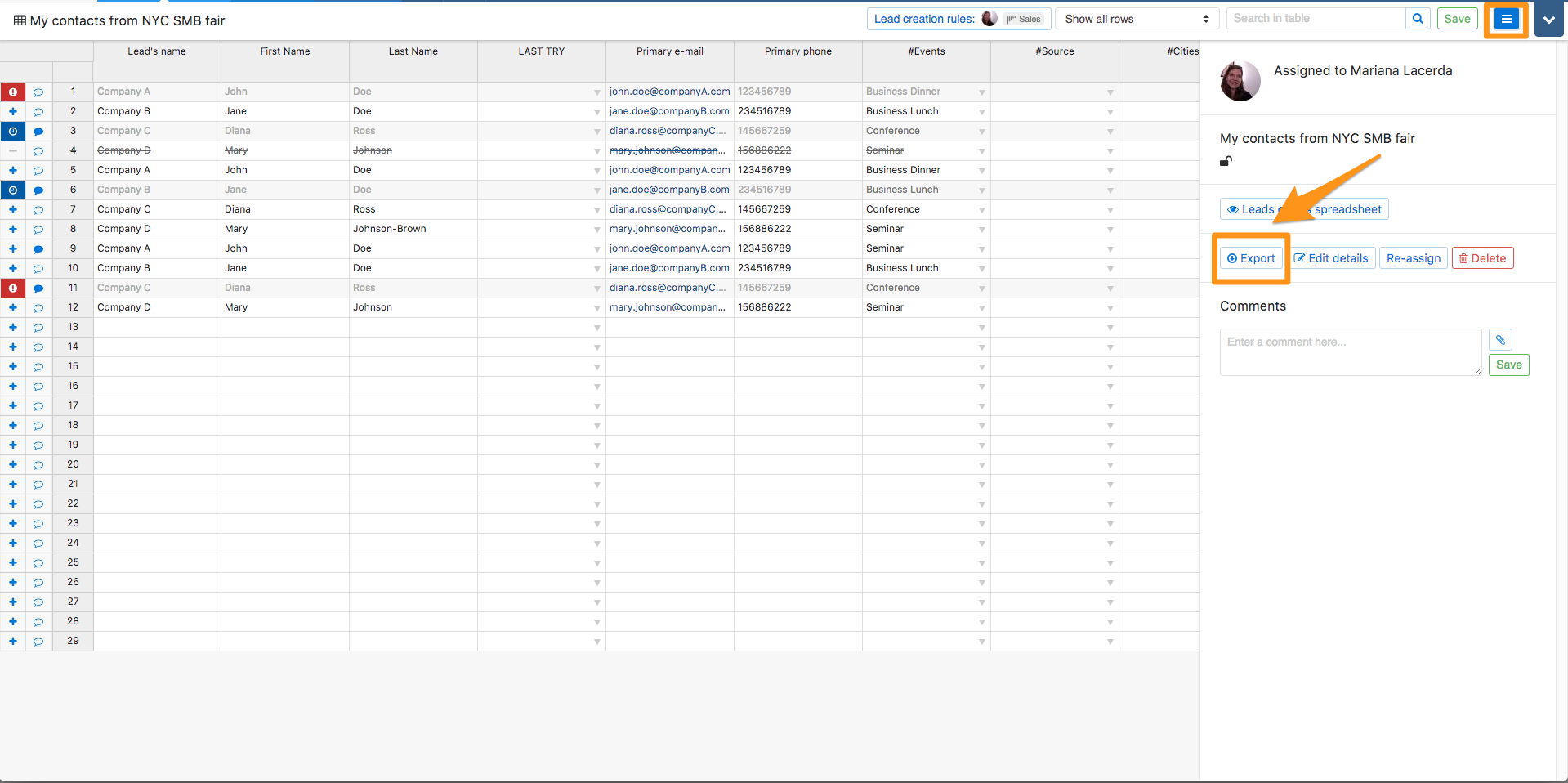
To export a Prospecting List, open the prospecting list you wish to export and then click on the button next to the "save" button". A dropdown menu will appear, in which you'll have the option to export it. Click on "Export".